 37ab4a35b3
Tiles drawn at the same level met exactly, but a finer tile beside a coarser one has
samples on their shared edge that the coarser one skips, and the ground between them
could open up. This closes the gap the standard way (CDLOD): each vertex slides towards
the next coarser level as its distance nears the end of its level's range, so that by the
end of the band a tile is, vertex for vertex, the coarser tile beyond it. Levels also stop
popping when they change.

The mip chain is point sampled, so the next level's grid is this level's even samples. An
odd vertex slides onto its even neighbour and takes its height, and the grid, whose
diagonals all run the same way at every level, collapses exactly into the coarser
triangulation. No second texture and no neighbour information is needed; the morph is
computed per vertex from its distance to the camera, the same distance the level is
chosen by.

Two things the geometry demands, both settled by tools/terraincook/seamcheck.py, which
walks random camera positions over 128 m, 256 m and 12.8 km tiles and counts every edge
vertex where the finer side has not finished morphing or the coarser side has started:

- the band ends a rescan's worth of travel (a quarter tile) short of the level's range.
  Levels are chosen where the camera stood at the last rescan, the morph follows it every
  frame, and a band ending at the range itself left gaps at every level boundary;
- the band is a fifth of the range wide, and level ranges are counted in tiles (four for
  the finest level) rather than fixed metres, which keeps the coarser tile's band clear of
  any edge a finer tile reaches, whatever the tile size.

The script finds no gap with these values. In the game on baltyk, a low view differs from
the unmorphed shader only in a strip of distant ground at the horizon, and nearer than
the first band the picture is identical.

The cooker's comment claimed tile seams were identical at every level; that held only
for neighbours at the same level, and now says so.
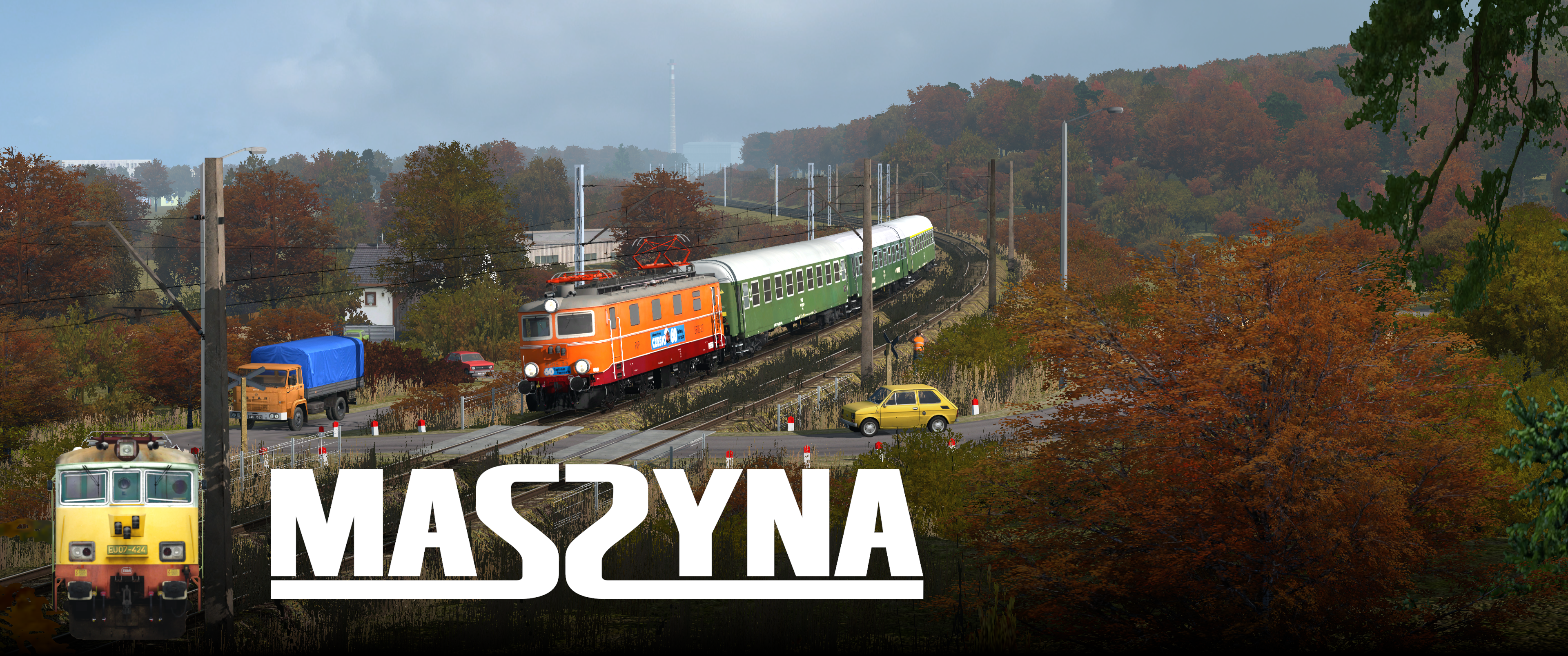
MaSzyna - Railway vehicle simulator
Website · Report an issue · Community Discord · MaSzyna on Steam · MaSzyna on Epic Games Store














MaSzyna executable source code is licensed under the MPL 2.0 and comes with a large pack of free assets under a custom license.
Table of Contents
Getting Started
MaSzyna compiles and runs natively on Linux and Windows. Other platforms are not tested.
Heads-up
Our dev team is small; we keep improving the build process, but issues may still occur. If you get stuck, please ask on the official Discord server.
Prerequisites
For runtime requirements see Minimum Requirements.
1) Software (oldest tested in parentheses)
Note: MinGW is currently not supported.
2) Libraries (oldest tested in parentheses)
-
GLFW 3.x (3.2.1)
If a link error occurs, pass-DGLFW3_LIBRARIES="<path>"to CMake. -
GLM (0.9.9.0)
-
libserialport (0.1.1)
-
libsndfile (1.0.28)
-
LuaJIT (2.0.5)
-
GLEW (2.1.0)
-
libpng (1.6.34)
-
OpenAL (1.18.2)
-
pthread
-
Python 3.14 (64-bit; headers and import library required for embedding)
-
Asio (1.12)
3) Graphics API
- OpenGL 3.0 or newer
- DirectX 12 via NVRHI (optional, Windows only, for Better Renderer)
CMake flags
| Flag | Meaning |
|---|---|
-DCMAKE_BUILD_TYPE=Debug |
Debug build |
-DCMAKE_BUILD_TYPE=Release |
Release build |
-DCMAKE_BUILD_TYPE=RelWithDebInfo |
Release build with debug symbols |
-DWITH_BETTER_RENDERER=ON/OFF |
Enable/disable NVRHI-based renderer |
-DPython3_ROOT_DIR=<path> |
Root of the Python 3.14 install on Windows (python.exe, Lib, DLLs) for embed/copy steps; on Linux, optional if CMake picks the wrong interpreter |
Linux note:
WITH_BETTER_RENDERERuses DirectX 12 through NVRHI and is not supported on Linux.
Windows
Install Python 3.14 x64 from python.org and include the optional Python native development feature (headers and .lib for embedding). Pass -DPython3_ROOT_DIR="C:\Path\To\Python314" on the cmake line when you want the layout under that directory used for embedding and for copying Lib / DLLs next to the executable.
AppVeyor CI builds with the worker image’s preinstalled Python at C:/Python314-x64 (see appveyor.yml: -DPython3_ROOT_DIR=...).
# Clone repository with submodules
git clone --recursive https://github.com/MaSzyna-EU07/maszyna.git

cd maszyna

# Init vcpkg
call setup.bat

# Create directory for CMake build files
mkdir build
cd build

# Generate CMake project (replace %CONFIG% with Debug/Release/RelWithDebInfo)
cmake .. -G "Visual Studio 17 2022" -A x64 -DCMAKE_BUILD_TYPE=%CONFIG%

# Build (replace %CONFIG% accordingly)
cmake --build . --config %CONFIG% --parallel
Linux
# Install dependencies (Fedora/RHEL family)
sudo dnf install -y \
  @development-tools \
  cmake \
  mesa-libGL-devel \
  glew-devel \
  glfw-devel \
  python3.14-devel \
  libpng-devel \
  openal-soft-devel \
  luajit-devel \
  libserialport-devel \
  libsndfile-devel \
  gcc \
  g++ \
  wayland-devel \
  wayland-protocols-devel \
  libxkbcommon-devel

# Clone repository with submodules
git clone --recursive https://github.com/MaSzyna-EU07/maszyna.git

cd maszyna

# Create directory for CMake build files
mkdir build
cd build

# Generate Makefiles (NVRHI is not supported on Linux)
cmake .. -DWITH_BETTER_RENDERER=OFF

# Compile using all cores
make -j"$(nproc)"
Tip (Ubuntu/Debian): Package names differ; install equivalent
build-essential,libgl1-mesa-dev,libglew-dev,libglfw3-dev,python3.14-dev,libpng-dev,libopenal-dev,libluajit-5.1-dev,libserialport-dev,libsndfile1-dev, and Wayland/X11 dev packages as needed.
Installing
There is no make install yet. Copy the built executable to your MaSzyna installation manually.
-
Output directory:
./bin -
File name format:
eu07_YYYY-MM-DD_<commit>[_d]-
YYYY-MM-DD– build date -
<commit>– short commit hash -
_d– present in Debug builds
-
If you already have the MaSzyna assets, copy the executable to the install dir. Assets can be downloaded from eu07.pl.
Rainsted on Linux
If Rainsted (a third‑party starter) fails to detect the executable under Linux, you can create a small wrapper script named eu07.exe:
#!/bin/sh
./eu07 "$1" "$2" "$3" "$4" "$5"
If detection still fails, padding the file (with comments) up to ~1 MB may help.
Known Issues
-
GLFW linking – On some systems you must provide the GLFW library path explicitly with
-DGLFW3_LIBRARIES. -
X11/Wayland linking order – Linking order of X11 and related libs can matter.
-
NVRHI on Linux – The NVRHI/"Better Renderer" path targets DirectX 12 and is currently unsupported on Linux.
Support
-
Official Discord Server: https://discord.gg/qAh9ctWPQv
-
Project page: https://eu07.pl/
Minimum requirements
- OS: Windows 10 64-bit
- Processor: 2 core at least 2 GHz (e.g. Intel Core i3-2100 / AMD Athlon II X2)
- RAM: 6 GB RAM
- Graphics Card: supporting OpenGL 3.3 with at least 1GB VRAM
- 150 GB of free disk space
- Sound card supporting OpenAL with stereo
- Optional COM ports for custom control panel setups.
License
-
Source code: MPL 2.0
-
Assets: Custom license