 b251b6fe42
* feat(blackbox): a recorder of the run, the cab, the signals and the stations to a file

With the physics logs on (and the new eu07.ini setting blackbox, on by
default), the simulator writes a black box of the session to
physicslog/*.blackbox: the scenery map (tracks, signals, W4 stop points
with their heading, W6 horn points), the timetables of the user's train,
and at 10 Hz the cab of the vehicle the user sits in (speed, controllers,
brakes, pressures, lights with the pattern the run asks for, the movement
kind), the AI's reference for the same place (target speed, next limit,
braking distance), the consist, the cameras and the vehicles around.
Changes go in as they happen: switches, signal aspects, commands,
signals passed with their aspect, stations stopped at, passed or missed,
horn requests, the autopilot switched on or off, couplings and vehicles
removed.

The driving aid's next speed limit moved from the UI panel to
TController::next_speed_limit(), so the panel and the recorder read the
same. The format is described in blackbox_doc.md; the writer and the
reader of the records have unit tests.

* fix(blackbox): the aspect a signal had when passed, the lamps the ends have, vehicles taken off

- A passed signal is written with the aspect the train had of it, kept in
  the speed table, not the one its memory cell shows when the pass is
  noticed: by then the train itself on the track behind has often set
  it to stop, and most passes were written as at stop.
- The cab record gains the lamps the vehicles at the head and the tail
  have at their outer ends (136 bytes), so a reader can check the light
  pattern against them as the driver does (no upper headlight, the
  auxiliary lamps, the rear-end signals only).
- A vehicle taken off the scenery and still pointed at by a coupler or
  the camera gets no new number; the camera lets go of it.
- The timetable written before a station goes under the vehicle the
  user is in now, not the one of the last look.
- The file buffer is given once the file is open: MSVC passed over one
  given before.
- The doc tells the AI fields before the consist is started and when
  entering a vehicle is a driver change.

* fix(blackbox): the stop of an automatic block signal passed is written as a stop

The speed table keeps the stop of an automatic block signal (SetVelocity 0 x) as the speed allowed after it, with spStopOnSBL; a pass of it was written as that speed with no flag. It is written as 0 with the flag of an automatic block stop again.

* feat(blackbox): the doors, the brakes of the whole train, a diesel's engine and the rest of the cab

The cab record grows from 136 to 190 bytes, so that a reader can check
everything the driver did:

- the doors: the permits on each side, the departure signal, the steps,
  the door lock and whether the doors are locked;
- the brakes: the equalizing reservoir of the driver's valve, the main
  reservoir pipe, the highest brake cylinder pressure of the train, the
  hand brake, the releaser, the setting (G/P/R/Mg) and the mode
  (PS/PN/EP/MED);
- what drives the vehicle (electric, induction, diesel, diesel-electric,
  steam, none), its power, a diesel's oil pressure, water, oil and engine
  temperatures, overheating, fuel and oil pumps, clutch and torque
  converter, the motor fans;
- the cruise control and its speed, the integrated driving handle of a
  unit, the radio channel, the horn's tones.

New device bits use the upper half of the 32-bit field; the new fields
come at the end of the record, so older readers still read it.

* fix(blackbox): the driver's valve field is what its gauge shows, the radio channel has no none

Handle->GetCP() is the equalizing reservoir of most valves but the time reservoir of the FV4a, empty but after an overcharge: the field is named and documented as what the valve shows. With no driver the radio channel reads as the first one, not 0.

---------

Co-authored-by: maj00r <maj00r@host>
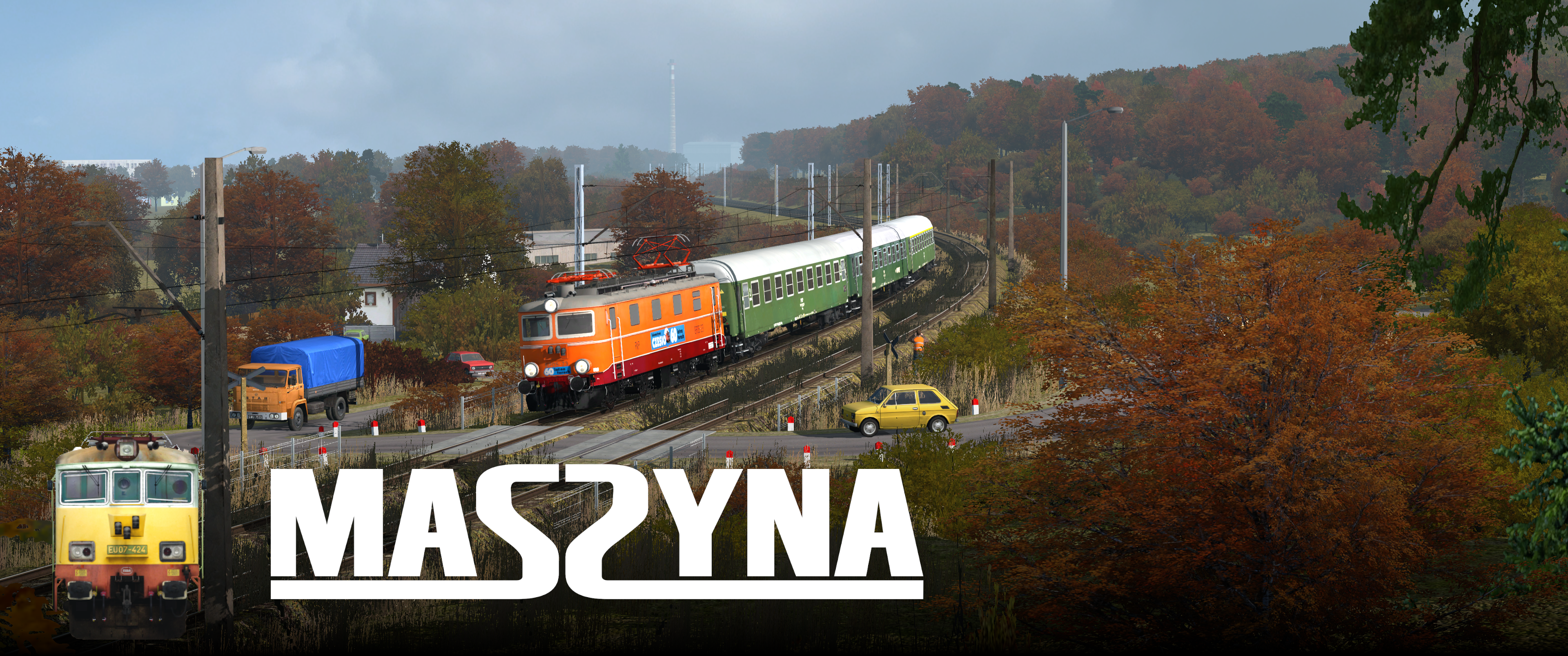
MaSzyna - Railway vehicle simulator
Website · Report an issue · Community Discord · MaSzyna on Steam · MaSzyna on Epic Games Store














MaSzyna executable source code is licensed under the MPL 2.0 and comes with a large pack of free assets under a custom license.
Table of Contents
Getting Started
MaSzyna compiles and runs natively on Linux and Windows. Other platforms are not tested.
Heads-up
Our dev team is small; we keep improving the build process, but issues may still occur. If you get stuck, please ask on the official Discord server.
Prerequisites
For runtime requirements see Minimum Requirements.
1) Software (oldest tested in parentheses)
Note: MinGW is currently not supported.
2) Libraries (oldest tested in parentheses)
-
GLFW 3.x (3.2.1)
If a link error occurs, pass-DGLFW3_LIBRARIES="<path>"to CMake. -
GLM (0.9.9.0)
-
libserialport (0.1.1)
-
libsndfile (1.0.28)
-
LuaJIT (2.0.5)
-
GLEW (2.1.0)
-
libpng (1.6.34)
-
OpenAL (1.18.2)
-
pthread
-
Python 3.14 (64-bit; headers and import library required for embedding)
-
Asio (1.12)
3) Graphics API
- OpenGL 3.0 or newer
- DirectX 12 via NVRHI (optional, Windows only, for Better Renderer)
CMake flags
| Flag | Meaning |
|---|---|
-DCMAKE_BUILD_TYPE=Debug |
Debug build |
-DCMAKE_BUILD_TYPE=Release |
Release build |
-DCMAKE_BUILD_TYPE=RelWithDebInfo |
Release build with debug symbols |
-DWITH_BETTER_RENDERER=ON/OFF |
Enable/disable NVRHI-based renderer |
-DPython3_ROOT_DIR=<path> |
Root of the Python 3.14 install on Windows (python.exe, Lib, DLLs) for embed/copy steps; on Linux, optional if CMake picks the wrong interpreter |
Linux note:
WITH_BETTER_RENDERERuses DirectX 12 through NVRHI and is not supported on Linux.
Windows
Install Python 3.14 x64 from python.org and include the optional Python native development feature (headers and .lib for embedding). Pass -DPython3_ROOT_DIR="C:\Path\To\Python314" on the cmake line when you want the layout under that directory used for embedding and for copying Lib / DLLs next to the executable. The cab screens are drawn with Pillow: install it into that Python (python -m pip install Pillow) before building, so it is copied along with Lib.
AppVeyor CI builds with the worker image’s preinstalled Python at C:/Python314-x64 (see appveyor.yml: -DPython3_ROOT_DIR=...).
# Clone repository with submodules
git clone --recursive https://github.com/MaSzyna-EU07/maszyna.git

cd maszyna

# Init vcpkg
call setup.bat

# Create directory for CMake build files
mkdir build
cd build

# Generate CMake project (replace %CONFIG% with Debug/Release/RelWithDebInfo)
cmake .. -G "Visual Studio 17 2022" -A x64 -DCMAKE_BUILD_TYPE=%CONFIG%

# Build (replace %CONFIG% accordingly)
cmake --build . --config %CONFIG% --parallel
Linux
# Install dependencies (Fedora/RHEL family)
sudo dnf install -y \
  @development-tools \
  cmake \
  mesa-libGL-devel \
  glew-devel \
  glfw-devel \
  python3.14-devel \
  libpng-devel \
  openal-soft-devel \
  luajit-devel \
  libserialport-devel \
  libsndfile-devel \
  gcc \
  g++ \
  wayland-devel \
  wayland-protocols-devel \
  libxkbcommon-devel

# Clone repository with submodules
git clone --recursive https://github.com/MaSzyna-EU07/maszyna.git

cd maszyna

# Create directory for CMake build files
mkdir build
cd build

# Generate Makefiles (NVRHI is not supported on Linux)
cmake .. -DWITH_BETTER_RENDERER=OFF

# Compile using all cores
make -j"$(nproc)"
Tip (Ubuntu/Debian): Package names differ; install equivalent
build-essential,libgl1-mesa-dev,libglew-dev,libglfw3-dev,python3.14-dev,libpng-dev,libopenal-dev,libluajit-5.1-dev,libserialport-dev,libsndfile1-dev, and Wayland/X11 dev packages as needed.
Installing
There is no make install yet. Copy the built executable to your MaSzyna installation manually.
-
Output directory:
./bin -
File name format:
eu07_YYYY-MM-DD_<commit>[_d]-
YYYY-MM-DD– build date -
<commit>– short commit hash -
_d– present in Debug builds
-
If you already have the MaSzyna assets, copy the executable to the install dir. Assets can be downloaded from eu07.pl.
Rainsted on Linux
If Rainsted (a third‑party starter) fails to detect the executable under Linux, you can create a small wrapper script named eu07.exe:
#!/bin/sh
./eu07 "$1" "$2" "$3" "$4" "$5"
If detection still fails, padding the file (with comments) up to ~1 MB may help.
Known Issues
-
GLFW linking – On some systems you must provide the GLFW library path explicitly with
-DGLFW3_LIBRARIES. -
X11/Wayland linking order – Linking order of X11 and related libs can matter.
-
NVRHI on Linux – The NVRHI/"Better Renderer" path targets DirectX 12 and is currently unsupported on Linux.
Support
-
Official Discord Server: https://discord.gg/qAh9ctWPQv
-
Project page: https://eu07.pl/
Minimum requirements
- OS: Windows 10 64-bit
- Processor: 2 core at least 2 GHz (e.g. Intel Core i3-2100 / AMD Athlon II X2)
- RAM: 6 GB RAM
- Graphics Card: supporting OpenGL 3.3 with at least 1GB VRAM
- 150 GB of free disk space
- Sound card supporting OpenAL with stereo
- Optional COM ports for custom control panel setups.
License
-
Source code: MPL 2.0
-
Assets: Custom license